Set-up guide
Connect GMX or WEB.DE to Claude or ChatGPT.
Your GMX or WEB.DE mailbox in Claude, ChatGPT and other AI apps. Both keep mail apps out until you allow IMAP in your mail settings, so you turn on one switch first. Then the control panel fills in the servers, and it takes about 5 minutes. There's a short summary in German further down.
- Time About 5 minutes
- First Allow IMAP access
- Covers GMX, GMX.com, WEB.DE

The short answer
Can Claude or ChatGPT read GMX or WEB.DE mail?
Yes, through Mailbox MCP, once you've allowed IMAP access in your GMX or WEB.DE settings. It's off until you turn it on. Then your AI can read, search, answer and file your mail.
- In your GMX or WEB.DE mail settings, allow POP3 and IMAP access.
- In the Mailbox MCP control panel, type your address and press Find my settings.
- Enter your password, or an app password if you use two-factor authentication.
- Add Mailbox MCP to Claude or ChatGPT, and choose the mailbox.
It works on the free tier with no card, so you can find out in a few minutes whether it suits you.
The one setting
Turn on IMAP in GMX or WEB.DE first
GMX and WEB.DE both say it plainly: mail collection by POP3 or IMAP is "standardmäßig ausgeschaltet", off by default. Until you switch it on, every mail app is turned away, ours included, and the refusal looks exactly like a wrong password.
On gmx.net or web.de, on a computer:
- Select the icon with your initials at the top, then E-Mail-Einstellungen.
- Under E-Mail empfangen, choose POP3/IMAP.
- Under POP3-/IMAP-Abruf, set the slider to POP3- und IMAP-Zugriff erlauben.
- Solve the little security check by sliding one symbol onto the other.
On gmx.com or gmx.co.uk the screen is in English: Settings, POP3 & IMAP, tick Enable access to this account via POP3 and IMAP, then Save.
You do it once. Both providers add one warning worth knowing, which the troubleshooting below comes back to: leave the access unused for a long time and they switch it off again for security.
Which screen is yours
GMX and WEB.DE, in German
gmx.net, gmx.de, gmx.at, gmx.ch and web.de
- E-Mail-Einstellungen
- E-Mail empfangen
- POP3/IMAP
- POP3- und IMAP-Zugriff erlauben
GMX international, in English
gmx.com and gmx.co.uk
- Settings
- POP3 & IMAP
- Enable access
- Save
The providers' own labels, from their help pages on 9 November 2026.
Walkthrough
How to connect GMX or WEB.DE to Claude or ChatGPT, step by step
-
Allow IMAP access
E-Mail-Einstellungen, then POP3/IMAP, and the slider to POP3- und IMAP-Zugriff erlauben. On gmx.com, the box under POP3 & IMAP, then Save. The section above has the detail.
-
Add your address and press Find my settings
In the control panel, add a mailbox and choose Any other email provider. Type your GMX or WEB.DE address and press Find my settings. The servers come back filled in, from the public directory Thunderbird uses, and for WEB.DE so does the username.
-
Enter your password and connect
Your normal GMX or WEB.DE password works once IMAP is on. If you've switched on two-factor authentication, use an app password instead (see below). The panel opens the mailbox while you wait, and stores nothing unless it works.
-
Add the connector to Claude or ChatGPT
In Claude: open Mailbox MCP in Claude's directory (or Customize, then Connectors, and search for it) and press Connect to Claude. Sign in to Mailbox MCP when it asks, and choose your GMX or WEB.DE mailbox.
Want one connector per mailbox, or no directory in your organisation? Add a custom connector: Customize, Connectors, + Add, Add custom connector. Give it a name, paste the connector URL from the mailbox's Connector tab in the control panel and press Continue, then Add without changing anything. Then press Connect and choose your GMX or WEB.DE mailbox. The Claude.ai set-up guide has every screen.
Claude starts a new connector's tools at Needs approval, so it asks before every step. We set ours to Always allow (open the connector under Customize, Connectors) and let the level you chose in the control panel be the limit.
In ChatGPT: select Plugins in the sidebar, find Mailbox MCP in the plugin directory, select Install plugin, then Continue to Mailbox MCP, and sign in. For a second mailbox, open the plugin again and press Connect another account. The ChatGPT set-up page covers developer mode too.
-
Check that it worked
Ask: Using Mailbox MCP, list my 5 most recent emails. If they're the ones you expect, it's connected. Open your mailbox afterwards: nothing was marked as read.
Then try a morning brief from your GMX or WEB.DE inbox, set once and run by your own Claude or ChatGPT.
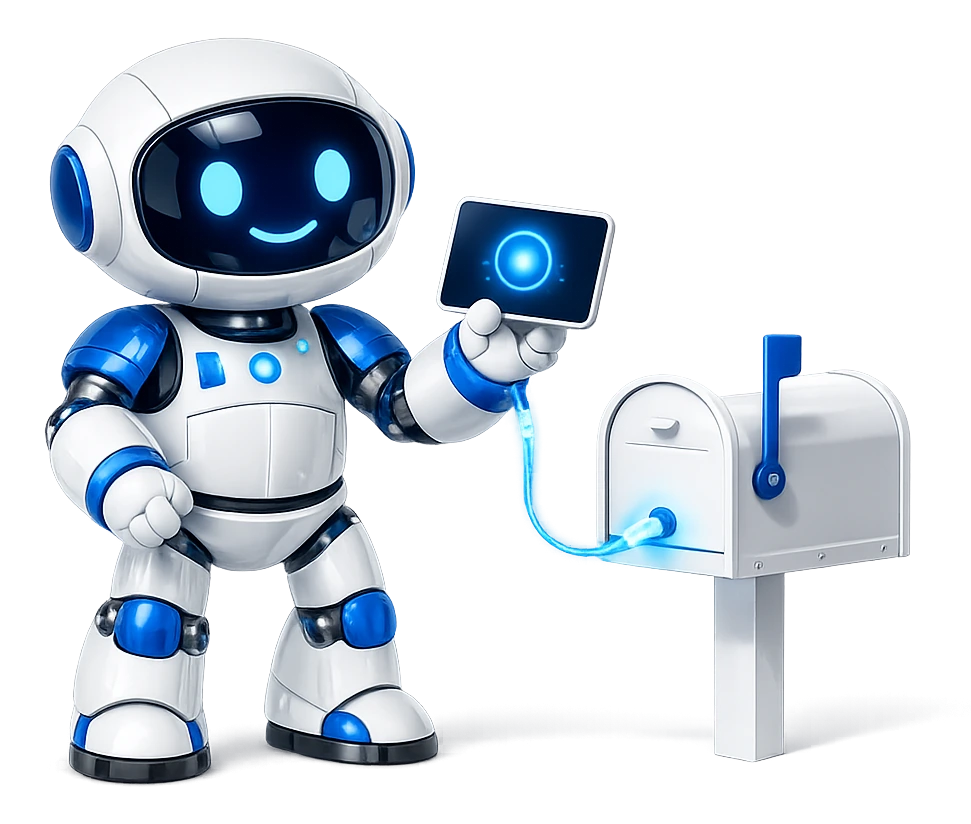
Switched IMAP on? Connecting your GMX or WEB.DE mailbox is a password and a sign-in, on the free tier with no card.
If you like to check
GMX and WEB.DE IMAP settings
You don't have to type any of these. Find my settings fills them in from your address. They're here so you can check what the panel shows.
The GMX IMAP settings and WEB.DE's follow one pattern in both help centres: reading on port 993 with SSL, and sending on port 587 with STARTTLS, or 465 with SSL. Both now ask for TLS 1.2 or 1.3, which we use.
We ran our own lookup against all three on , the same code the panel uses. It chose port 465 for sending, and connected to each reading server before saying so.
GMX on gmx.com is a different set of servers from GMX in Germany, though it's the same company. A gmx.co.uk address belongs with gmx.com. The lookup knows which is which.
What the panel fills in
GMX
gmx.net, gmx.de, gmx.at, gmx.ch
- Reading (IMAP) imap.gmx.net : 993
- Sending (SMTP) mail.gmx.net : 465
- Username your full address
GMX international
gmx.com, gmx.co.uk
- Reading (IMAP) imap.gmx.com : 993
- Sending (SMTP) mail.gmx.com : 465
- Username your full address
WEB.DE
web.de
- Reading (IMAP) imap.web.de : 993
- Sending (SMTP) smtp.web.de : 465
- Username the part before the @
From our own lookup and the providers' help pages, all on 9 November 2026. SSL on every port shown.
The WEB.DE detail
The WEB.DE username: the part before the @
WEB.DE asks for your WEB.DE user name, not your whole address. Its own set-up page for Outlook says to enter the "WEB.DE Benutzernamen" and its password, and for most people that's the part of the address before the @.
The control panel does this for you. When you press Find my settings for a WEB.DE address, the username is filled in that way, because the public directory Thunderbird uses says so too. Leave it as it is.
GMX is the other way round: it wants your full address, and the panel fills that in for a GMX address.
If you use two-factor
Two-factor on? Use a GMX or WEB.DE app password
With two-factor authentication switched on, GMX and WEB.DE both say a mail program needs an app password, entered once in place of your normal one. Mailbox MCP counts as that mail program. Without two-factor, your normal password is fine.
A GMX app password and a WEB.DE one are made the same way:
- Select the icon with your initials, then Account verwalten.
- On the left, select Login & Sicherheit.
- Scroll down to App-Passwörter (für externe Apps).
- Select Neues App-Passwort erstellen, give it a name such as Mailbox MCP, and select Weiter.
Copy it straight into the control panel. Both providers' words are the same: "Das App-Passwort wird Ihnen einmalig angezeigt", it's shown to you once.
- Account verwalten
- Login & Sicherheit
- App-Passwörter (für externe Apps)
- Neues App-Passwort erstellen
App-Passwort für
Mailbox MCP
Wird nur einmal angezeigt. Gleich kopieren.
Troubleshooting
If GMX or WEB.DE refuses the password
A refused password here is rarely the password. Our control panel recognises a GMX address and, when GMX says no, it points you to the switch rather than to a typo. For a WEB.DE address it shows its general message, so check these in order.
-
IMAP access is still off.
The usual cause. Turn on POP3- und IMAP-Zugriff erlauben as above, then connect again.
-
It worked for weeks, then stopped.
GMX and WEB.DE switch IMAP off again when it hasn't been used for a long time. The mailbox's Connection tab then says "Your mail server stopped accepting this password". Don't change the password: turn the switch back on and select Test it now.
-
Two-factor is on.
Then the normal password won't do, even with IMAP on. Make an app password, as above, and paste that instead.
-
The WEB.DE username was changed.
If you typed your whole address over the username Find my settings filled in, put the part before the @ back.
Mailbox MCP control panel
The server did not accept that password
GMX keeps mail apps out until you allow them. In GMX webmail open Settings, POP3 & IMAP, and turn on access, then try again.
If you recently changed your mail password, this is the new one we need.
Auf Deutsch
Kurz auf Deutsch: GMX und WEB.DE mit Claude oder ChatGPT verbinden
Mailbox MCP verbindet Ihr GMX- oder WEB.DE-Postfach mit Claude, ChatGPT und anderen KI-Apps. Ihre KI kann dann E-Mails lesen, suchen, beantworten und ablegen. Beim Lesen wird nichts als gelesen markiert.
- IMAP einschalten. Auf gmx.net oder web.de: Symbol mit Ihren Initialen, E-Mail-Einstellungen, unter E-Mail empfangen POP3/IMAP, Schieberegler auf POP3- und IMAP-Zugriff erlauben.
- Postfach hinzufügen. Im Mailbox MCP Control Panel Any other email provider wählen, Adresse eingeben, Find my settings drücken. Server und, bei WEB.DE, Benutzername werden eingetragen.
- Passwort eingeben. Ist die Zwei-Faktor-Authentifizierung aktiv, stattdessen ein App-Passwort: Account verwalten, Login & Sicherheit, App-Passwörter.
- Mit der KI verbinden. Mailbox MCP in Claude oder ChatGPT hinzufügen und das Postfach auswählen.
Gut zu wissen: GMX und WEB.DE schalten den IMAP-Zugriff wieder aus, wenn er längere Zeit nicht genutzt wird. Meldet das Control Panel dann "Your mail server stopped accepting this password", schalten Sie IMAP wieder ein. Ein neues Passwort ist nicht nötig.
Das Control Panel ist auf Englisch. Die Schritte oben auf dieser Seite erklären jede Stelle ausführlich.
Server-Einstellungen
- GMX, IMAP imap.gmx.net : 993
- GMX, SMTP mail.gmx.net : 465
- WEB.DE, IMAP imap.web.de : 993
- WEB.DE, SMTP smtp.web.de : 465
- GMX, Benutzername ganze Adresse
- WEB.DE, Benutzername Teil vor dem @
Find my settings trägt alles automatisch ein. Stand: 9. November 2026.
What you get
What Claude can do with your GMX or WEB.DE mail
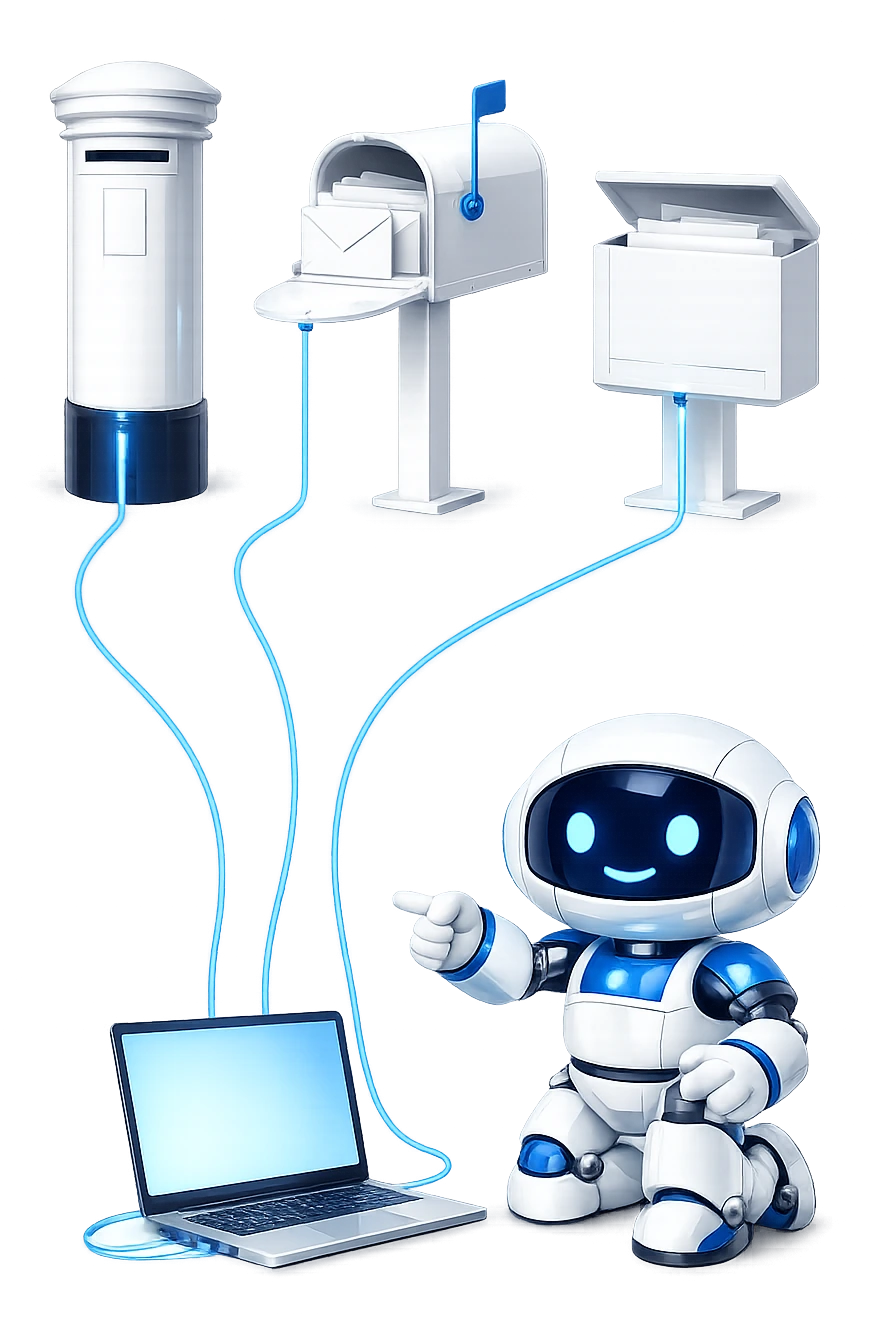
A GMX or WEB.DE mailbox gets the same tools here as Gmail or Outlook. Your AI doesn't just read it: it files, clears out, opens attachments and answers questions about the whole inbox.
-
It works in Claude and ChatGPT, and more.
Claude.ai, Claude Desktop, ChatGPT, Grok, Cursor and other AI apps that take an MCP server. The set-up pages cover each one.
-
GMX beside your other mailboxes.
Connect GMX or WEB.DE next to Gmail, Outlook or work mail, and one chat can answer from any of them. Multiple email accounts in Claude shows how.
-
It files, not just reads.
Move, archive or junk mail, make a folder, or clear out everything from one sender, up to 500 emails in one go. Deleting moves mail to the bin, the way webmail does.
-
Attachments, read and sent.
It reads inside a PDF, a spreadsheet or a scanned letter, and attaches files up to 20 MB an email. Sending and reading attachments has the detail.
-
Whole-inbox answers.
Ask what came in today, or who's still waiting on a reply from you. Each is one call, however many messages it covers. Searching a mailbox with AI shows what to ask.
-
You decide how far it goes.
Each connection is read only, draft and file, or send and delete. Reading never marks mail as read. How it's kept safe.
ChatGPT
Connect ChatGPT to GMX or WEB.DE
Mailbox MCP is in the ChatGPT plugin directory, reviewed and listed by OpenAI. Switch IMAP on, connect the mailbox in the control panel as above, then install Mailbox MCP in ChatGPT, sign in and choose the mailbox.
ChatGPT gets the same tools Claude does. In ChatGPT a file from the chat, such as an image it has just made, can go straight onto an email from your GMX or WEB.DE address.
The same mailbox can be connected to Claude as well, and both work. The ChatGPT set-up page walks through every screen.

Limits
What a GMX or WEB.DE connection doesn't do
-
It can't turn IMAP on for you
The switch is in your own mail settings, and only you can turn it on, or back on after GMX or WEB.DE turns it off.
-
The calendar is a separate step
Connecting the mail doesn't connect a diary. You can add a Google calendar, or a CalDAV calendar by its address. We haven't tested GMX's or WEB.DE's own, so we don't list them.
-
One mailbox each
One connection is one mailbox. A second address is a second connection.
-
20 MB a message
Attachments are capped at 20 MB a message in total, not per file. Your provider's own limits still apply.
-
Not a backup tool
It is not a backup, an archive or a migration tool.
Questions
Questions about GMX, WEB.DE and AI
Can Claude read my GMX or WEB.DE email?
Yes, through Mailbox MCP. Allow IMAP access in your GMX or WEB.DE mail settings first, connect your address in our control panel, then add Mailbox MCP to Claude from its directory or as a custom connector. Claude can then read, search, answer and file your mail, and reading never marks anything as read.
Can ChatGPT connect to GMX or WEB.DE?
Yes, with Mailbox MCP from the ChatGPT plugin directory. Switch IMAP on in your mail settings, connect the mailbox in our control panel, install Mailbox MCP in ChatGPT and choose the mailbox. ChatGPT can then read, search, file, answer and send from it, and the same mailbox works in Claude too.
How do I turn on IMAP in GMX or WEB.DE?
At gmx.net or web.de, select the icon with your initials, then E-Mail-Einstellungen. Under E-Mail empfangen choose POP3/IMAP, and set the slider under POP3-/IMAP-Abruf to POP3- und IMAP-Zugriff erlauben. Then solve the little security check. On gmx.com and gmx.co.uk the English labels are Settings, POP3 & IMAP, a tick in Enable access to this account via POP3 and IMAP, and Save.
Why does GMX or WEB.DE refuse my password in another app?
Usually because IMAP access is still switched off, which it is until you allow it. The password is fine; the mailbox just isn't letting mail apps in yet. If the switch is already on and you use two-factor authentication, the other cause is that it wants an app password rather than your normal one.
Do I need an app password for GMX or WEB.DE?
Only if two-factor authentication is on. GMX and WEB.DE both say that a mail program then needs an app password. Make one under Account verwalten, Login & Sicherheit, App-Passwörter (für externe Apps), and copy it at once: both say it's shown only once.
What is my WEB.DE IMAP username?
Your WEB.DE user name, which is usually the part of your address before the @. WEB.DE's own set-up page asks for the WEB.DE user name, and the public directory Thunderbird uses says the same. Our control panel fills it in that way when you press Find my settings. GMX uses your full address.
Why did my GMX connection stop working after a while?
GMX and WEB.DE switch IMAP access off again by themselves if no mail program uses it for a long time. If your AI hasn't touched the mailbox in a while and it now refuses, turn the switch back on in your mail settings and test the connection again from its page in our control panel.
What are the GMX and WEB.DE IMAP settings?
For a gmx.net, gmx.de, gmx.at or gmx.ch address, reading is imap.gmx.net on port 993 and sending is mail.gmx.net on 465. For gmx.com and gmx.co.uk the servers are imap.gmx.com and mail.gmx.com, on the same ports. For WEB.DE they are imap.web.de and smtp.web.de. All use SSL, and Find my settings fills them in from your address.
Attribution
Sources
- GMX Hilfe: POP3/IMAP einschalten Off by default, the menu path, the slider and the security check, and that access is switched off again after a long time unused. Read 9 November 2026.
- WEB.DE Hilfe: POP3/IMAP einschalten The same steps and the same two warnings for WEB.DE. Read 9 November 2026.
- GMX.com Help: activate or deactivate POP3 and IMAP The English labels on gmx.com, off by default, and the automatic switch-off. Read 9 November 2026.
- GMX Hilfe: IMAP-Serverdaten and WEB.DE Hilfe: IMAP-Serverdaten Servers, ports, encryption and the TLS versions. Read 9 November 2026.
- WEB.DE Hilfe: IMAP in Outlook einrichten That a mail program signs in with the WEB.DE user name. Read 9 November 2026.
- GMX Hilfe: App-Passwort einrichten and WEB.DE Hilfe: App-Passwort einrichten Where an app password is made, and that it is shown once, quoted above. Read 9 November 2026.
- GMX: Zwei-Faktor-Authentifizierung and WEB.DE: Zwei-Faktor-Authentifizierung That a mail program needs an app password once two-factor is on. Read 9 November 2026.
- Anthropic: Use connectors to extend Claude's capabilities Finding a connector in Claude's directory and the Connect step. Read 9 November 2026.
- Connect Claude to IMAP email on your own domain The 4 IMAP settings for any provider, and the hosts this can't reach.
Connect your GMX or WEB.DE mailbox.
Free on any mailbox with 5 calls a day, and Pro up to 1,000 a day at £2.92 a month, paid annually at £34.99 + VAT.