Guide
Multiple Gmail accounts in Claude, one connector each.
Yes, you can have multiple Gmail accounts in Claude, and any other mailbox beside them. Claude's own Gmail connector holds one Google account, so the way to run multiple email accounts in Claude is one connector per mailbox, each named after it. We run our own mailboxes that way, and on 6 October 2026 we tested it in Claude and in ChatGPT.
- Reading About 11 minutes
- Tested Claude and ChatGPT
- Vendor pages read 6 October 2026

The short version
- Claude's own Gmail connector holds one Google account. For more, add each mailbox to Claude as its own Mailbox MCP connector.
- Name each connector after its mailbox when you add it. Claude can't rename one afterwards.
- Say which mailbox you mean, or ask across several. In our test Claude answered from 2 mailboxes in one reply and said which it used.
- Each mailbox has its own daily allowance and, on Pro, its own price. ChatGPT holds several of our mailboxes in one plugin.
The design
Why Mailbox MCP is one connector per mailbox
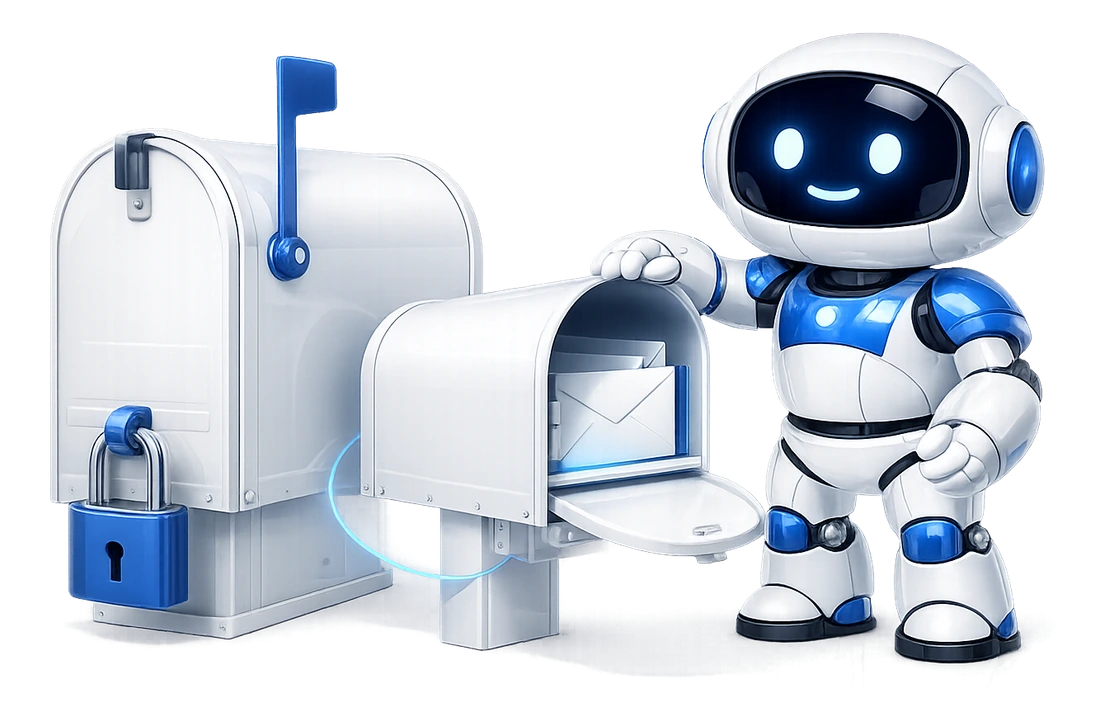
Each Mailbox MCP connector opens exactly one mailbox, on purpose. The mailbox is fixed when you sign in, not passed along with each request. So there's no mailbox for the AI to pick by mistake.
It can't send from the wrong account, either: the connection it's using can't reach any other. That's the trade. You add one connector per mailbox, and in return a send can only leave from the mailbox that connector belongs to.
We run our own business this way. The picture is our own Claude account on : 10 Mailbox MCP custom connectors, one per mailbox, from a sales inbox to a Gmail account and a support mailbox. The one tagged Community is our directory listing, added beside them for a test.

Claude's own connector
Multiple Gmail accounts in Claude: what its own connector does
Claude's own Gmail connector connects one Google account. Claude's directory lists it as made by Google, and Anthropic's help page is plain about the limit:
Claude can only access the Gmail, Calendar, and Drive data for the Google account you've connected.
Anthropic, Use Google Workspace connectors
That sentence is why this page exists: one Gmail account, and no second one beside it. Can Claude read my email covers what else it does and doesn't do.
Plenty of people want it to. In Anthropic's own claude-code repository, the feature request "Support multiple Connector accounts (same connector, different accounts)" had 566 reactions and 261 comments when we read it on . "Support multiple Gmail accounts in MCP integration" had 83. Both are still open.
So the route is custom connectors, one per mailbox. Claude lets you add servers Anthropic didn't build, and on a paid plan Anthropic names no limit on how many. Free is the exception:
Free users are limited to one custom connector.
Anthropic, Get started with custom connectors using remote MCP
We didn't have a free Claude account to test, so we can't tell you whether our directory connector counts against that one. Everything below was done on a paid plan.
Walkthrough
How to add multiple email accounts in Claude
Claude's labels as they read on , in a paid account. You do steps 1 and 3 once for each mailbox.
-
Connect each mailbox to Mailbox MCP
Add every mailbox in our control panel first. Gmail takes an app password from your Google account, and if Google says the option isn't available, here's why.
Outlook for work and Outlook.com take a Microsoft sign-in, and any other host its usual settings. Each mailbox gets its own connector URL, on its Connector tab. Adding an address you've already connected won't make a second copy.
-
Add the first one from Claude's directory, if you like
Open Mailbox MCP in Claude's directory and press Connect to Claude. Our sign-in asks which mailbox to open, so choose one.
This connector is always called Mailbox MCP, and Claude can't rename it. That's fine for one mailbox, and it's why every other one should be a custom connector with a name you chose.
-
Add each other mailbox as a custom connector named after it
Open Customize, then Connectors, + Add and Add custom connector. Type a Name that says which mailbox it is, such as "Work Gmail", and paste that mailbox's URL into MCP server URL.
Press Continue, then Add without changing anything: Claude has already detected the right sign-in. Add saves the connector without signing in, so press Connect on its page. Our consent page opens with that mailbox already chosen.
The name is for keeps
A connector's menu has no rename. To change a name, remove the connector and add it again.
-
Set its tools to Always allow, and let the level be the limit
A new custom connector starts every tool at Needs approval, so Claude asks before each step. We set ours to Always allow on the connector's page.
The real limit is the level you picked on our consent page: Read only, Draft and file, or Send and delete. A mailbox you only want read can't send, whatever Claude is told.

A connector's Tool permissions in Claude, where Needs approval becomes Always allow. The server URL is blurred. -
Check each one
Start a chat, turn on one connector from the + menu and ask "Which email address is this?". It changes nothing, and it proves the name matches the mailbox. It's one call from that mailbox's allowance.

Adding Mailbox MCP to Claude.ai shows every screen of steps 2 to 4.
Every mailbox starts on the free tier with no card, so you can connect a second one and try asking across both today.
In use
Asking Claude for the right mailbox
Name every connector after the mailbox, not after us. "Sales", "Support" and "Personal Gmail" read clearly when you ask Claude to check one. Three connectors all called Mailbox MCP don't.
We saw what happens when 2 share a name. With our directory connector beside a custom one also called Mailbox MCP, Claude answered from both, but had to tell them apart itself, as "Mailbox MCP" and "Mailbox MCP (d8206258)". It worked. It just isn't something you'd want to ask for.
Then say which mailbox you mean: "In the support mailbox, find anything from Kestrel Supplies this week." Or ask across them: "Check the demo mailbox and my Gmail for invoice KS-1182, and don't change anything."
That second one is the test in the picture. Claude used both connectors, answered mailbox by mailbox and changed nothing. It even noticed the Gmail account held only a forward of the invoice, while the original was in the demo mailbox.
Anthropic describes the same habit for other kinds of app: "Claude doesn't silently default to one over the other; you choose which app to use, and Claude proceeds from there." That article is about apps like Booking.com and TripAdvisor rather than mailboxes, but it's what we saw with ours.

Settings
Lots of mailboxes in one chat: Claude's Tool access menu
Several mailboxes means a lot of tools in a conversation. Anthropic's tool access article, dated 16 March 2026, gives the reason it matters in one line: "Each connector takes up space in a conversation."
The menu has moved on since. That article describes 3 modes, Auto, Always available and On demand. On , in a chat's + menu, then Connectors, then Tool access, Claude offered 2:
- Load tools when needed: "Sessions compact less since tools aren't pre-loaded." It was ticked already.
- Tools already loaded: "Sessions compact more often since tools are always there."
Leave it on Load tools when needed. The setting worth using is the one above it: the same menu has an on and off switch for each connector, for this chat only. Turn on the mailboxes the chat is about and leave the rest off.
There's a safety reason too. Every mailbox connector is private data, mail that anyone can send you, and a way to send, all at once. Simon Willison, who coined the term prompt injection, ends his warning about that mix with this:
We need to avoid the lethal trifecta combination of tools ourselves to stay safe.
Simon Willison, The lethal trifecta for AI agents, 16 June 2025
Read with several mailboxes in mind, that's an argument for fewer of them in any one chat: less is within reach of a hostile email. A mailbox you only ever read can also have the Read only level, so its connector can't send at all.

ChatGPT
Multiple email accounts in ChatGPT: one plugin, several accounts
ChatGPT does this differently: one Mailbox MCP plugin holds several mailboxes. OpenAI's release notes for 17 September 2026 put it like this:
You can now connect multiple accounts to plugins in ChatGPT, expanding support beyond Gmail, Google Calendar, and Google Contacts.
OpenAI, ChatGPT release notes
They say it's on all ChatGPT plans. Gmail came first: on 28 August 2026 OpenAI said its Gmail, Google Calendar and Google Contacts plugins could connect multiple accounts, on Plus, Pro, Business and Enterprise.
We tested ours on . Our plugin's page lists every mailbox under Connected accounts, each with its own name, and + Connect another account adds the next. One chat then read the newest email in 2 of them and said which it used: "used Demo mailbox" and "used 365i Mailbox".
To ask, type @ and pick Mailbox MCP, or start the message with
$mailbox-mcp: in our test both reached the same plugin.
Then name the mailbox, as OpenAI advises when an app picks the wrong
one: "When supported, specify the account you want to use in your
request."
Adding Mailbox MCP to ChatGPT walks through installing the plugin, and can ChatGPT read my email covers what OpenAI's own Gmail and Outlook apps do.


Routines
Scheduled tasks and routines across several mailboxes
A Claude scheduled task can't be pinned to one connector. We looked for the setting on 3 October 2026, when proposing a task, on its page and when editing it, and there isn't one. With several Mailbox MCP connectors, Claude works out which one a task means.
It can get that wrong. That day an updated routine ran on the wrong mailbox's connector: Claude names the connector in a task when it creates one, and an update replaced the wording and lost the name.
So each of our email routines starts by asking each Mailbox MCP connection which address it is, and uses the one that matches. That check is one call on each other connector per run, from that mailbox's own allowance, which matters if one of them is on the free plan.
Scheduled tasks need a paid Claude plan; Anthropic says they're "available on all paid plans (Pro, Max, Team, Enterprise)". ChatGPT caps how many can be active at once:
Active task limits depend on the plan: 3 for Free and Go, 5 for Plus, 10 for Business and Edu, and 15 for Pro and Enterprise.
OpenAI, Scheduled tasks in ChatGPT
One routine per mailbox spends one of those each, so on Plus, a morning brief for each of 3 mailboxes is 3 of your 5. Setting up a routine has the steps, and our sister site AI Visibility wrote up AI email routines in Claude and ChatGPT, with measured run times.
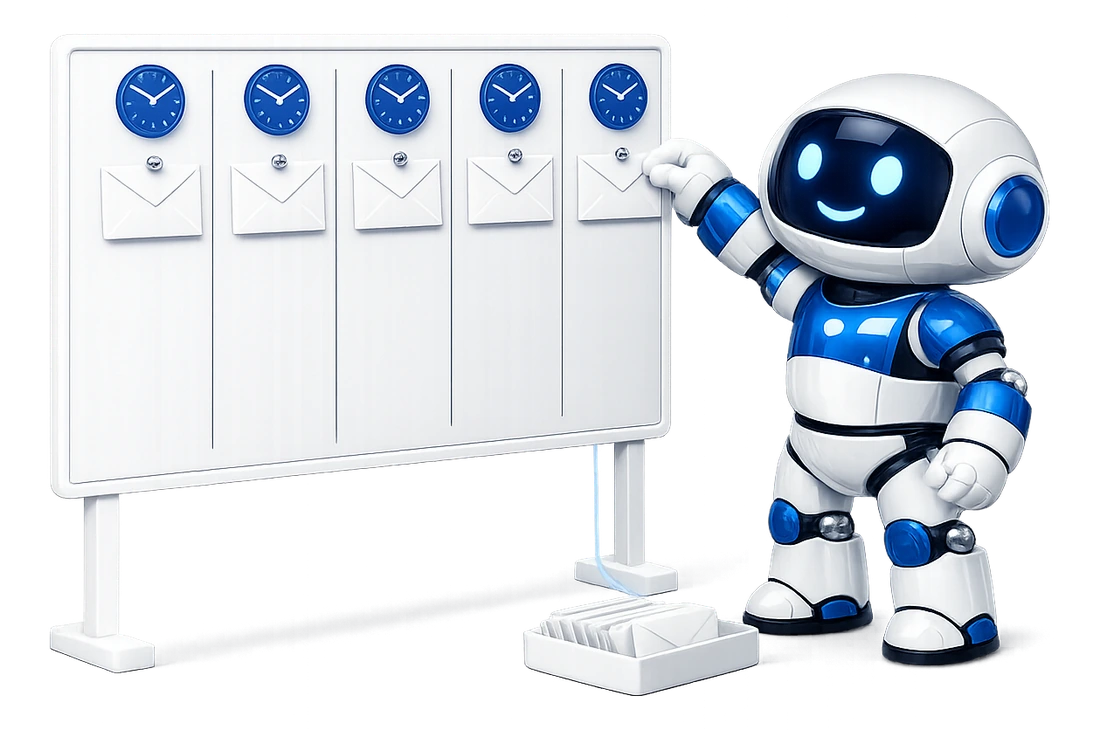
Each mailbox has its own allowance, so a second mailbox on the free tier costs nothing and takes nothing from the first.
Cost
What multiple mailboxes cost on Mailbox MCP
Every mailbox is separate here, and so is its allowance. That's the honest cost of one connector per mailbox.
-
Every mailbox starts free.
5 calls a day each, with no card, whichever AI you use. One account holds as many mailboxes as you like.
-
Pro is bought per mailbox.
£2.92 a month per mailbox, paid annually at £34.99 + VAT, for 1,000 calls a day. So 3 mailboxes on Pro are 3 subscriptions, each with its own ceiling.
-
Team Access is for people, not mailboxes.
It gives colleagues their own connection to a mailbox you own. How Team Access works.
Several addresses on one mailbox? If they're aliases of the same mailbox, one connector sends as any of them. You need a second connector only for a second mailbox, one with its own sign-in.
Limits
What this guide can't tell you about multiple accounts
-
Several mailboxes behind one connection
Not here, by design. Each connector opens one mailbox, and that's the point of it.
-
A free Claude account
We didn't have one to test. Anthropic says free users get one custom connector; whether our directory connector counts against it, we don't know.
-
ChatGPT developer mode
We tested the plugin route. We didn't test 2 developer-mode apps, one per mailbox, in one chat.
-
Tomorrow's vendors
ChatGPT's rules on several accounts changed twice in 3 weeks, on 28 August and 17 September 2026. Every quotation here is dated so you can tell how old it is.
-
No Exchange shared or delegated mailboxes
A Microsoft 365 shared or delegated mailbox, the kind with no sign-in of its own that Outlook reaches through Full Access or Send As, cannot be connected.
A mailbox you own can be shared with named people through Team Access, which is a different thing: each person gets their own connection at a level you set.
A shared CALENDAR is different again and is supported on Microsoft 365: one that has been shared with you can be read, and written to where the person who shared it allowed that.
-
Every mailbox has a ceiling
Every mailbox has a daily ceiling on MCP calls: 5 a day on Free and 1,000 a day on Pro, per mailbox, in any rolling 24 hours. A Pro mailbox shared through Team Access grows by 1,000 for each person active on it, so one shared with 2 people has 3,000.
Pro is a published limit, not an unlimited plan.
Can Claude connect to multiple Gmail accounts?
Not through its own Gmail connector: Anthropic's help page says "Claude can only access the Gmail, Calendar, and Drive data for the Google account you've connected." Through Mailbox MCP, yes. Connect each Gmail account as its own mailbox, with its own app password, then add each to Claude as a separate connector named after it. We had 2 mailboxes answering in one Claude chat on 6 October 2026.
Do I need 2 Claude accounts for my personal and business email?
No. One Claude account can hold a connector for each mailbox, side by side: your personal Gmail and your work Outlook, say, each added as its own Mailbox MCP connector and named after it. In one chat Claude can read both and tell you which it used. On Claude's free plan, Anthropic says "Free users are limited to one custom connector", so a second mailbox is easiest on a paid plan.
How does Claude know which email account to use?
From the connector's name and from what you ask. Name each connector after its mailbox when you add it, because Claude has no way to rename it later. Then say which you mean: "In the support mailbox, find anything from Kestrel Supplies this week." When we left 2 connectors both called Mailbox MCP, Claude told them apart itself as "Mailbox MCP" and "Mailbox MCP (d8206258)", which works but is hard to ask for.
Can ChatGPT connect multiple Gmail accounts?
Yes. The Mailbox MCP plugin takes several mailboxes: open it, press Connect another account and choose the next one. On 6 October 2026 one ChatGPT chat read 2 of our mailboxes through it and named the account it used for each. OpenAI made this possible on 17 September 2026: "You can now connect multiple accounts to plugins in ChatGPT".
Can Claude Cowork use multiple Gmail accounts?
Yes, through the same connectors. Cowork uses the ones you added under Customize, then Connectors, and the + menu picks which a task may use, so each mailbox is its own connector there too. We ran a Cowork task on our demo mailbox on 6 October 2026: it read the newest email, saved a threaded draft reply and sent a message. That run used one mailbox. Anthropic says Cowork "Works with a paid plan."
Do I need a paid Claude plan for more than one mailbox?
For more than one custom connector, yes. Anthropic says "Free users are limited to one custom connector", and names no such limit on paid plans. We haven't been able to test whether our directory connector counts against that one. On our side every mailbox starts free with 5 calls a day, whichever AI you use, and one account can hold as many mailboxes as you like.
Can Claude send from the wrong email account?
Not through Mailbox MCP. Each connector opens one mailbox, fixed when you sign in, so a send goes from the mailbox that connector belongs to. What can happen is that Claude picks the wrong connector. Name each one after its mailbox, say which you mean, and give a mailbox you only want read the Read only level when you connect it, so its connector can't send at all.
Attribution
Sources
- Anthropic: Use Google Workspace connectors The one-Google-account sentence about Claude's own Gmail connector. Read 4 October 2026 and again on 6 October.
- Anthropic: Get started with custom connectors using remote MCP "Free users are limited to one custom connector", and the custom connector steps. Read 5 October 2026 and again on 6 October.
- Anthropic: Manage Claude's tool access Dated 16 March 2026: "Each connector takes up space in a conversation", and the 3 modes the menu no longer shows. Read 4 October 2026.
- Anthropic: How Claude suggests connected apps Dated 23 April 2026, and written about apps such as Booking.com and TripAdvisor: Claude "doesn't silently default to one over the other". Read 4 October 2026.
- Anthropic: Schedule recurring tasks in Claude Cowork Scheduled tasks on all paid plans. Read 4 October 2026.
- Anthropic: Claude Cowork "Works with a paid plan." Read 6 October 2026.
- OpenAI: ChatGPT release notes Multiple Google accounts on 28 August 2026, and multiple accounts for plugins on 17 September 2026, with the plans each names. Read 6 October 2026.
- OpenAI: Connecting and managing app accounts in ChatGPT Connect another account, and naming the account you want in your request. Read 6 October 2026.
- OpenAI: Scheduled tasks in ChatGPT The active task limits by plan. Read 6 October 2026.
- GitHub: anthropics/claude-code issue 27302 "Support multiple Connector accounts (same connector, different accounts)": open, 566 reactions and 261 comments on 6 October 2026. Issue 36024, on multiple Gmail accounts: open, 83 reactions.
- Simon Willison: The lethal trifecta for AI agents 16 June 2025. Read 6 October 2026.
- Adding Mailbox MCP to Claude.ai Our own walk of Claude's screens on 6 October 2026, with captures of each step.
Keep going
Read next
Give each of your mailboxes its own connector.
Gmail, Outlook, iCloud or your own domain, side by side in Claude or ChatGPT. 5 calls a day on every mailbox, no card.