Guide
Can Gemini read my email? Yes, Gmail on its own.
Gemini reads Gmail through Google's own connector, and that comes first here because it's true. Google's connector names "your Gmail account". For Outlook, iCloud, Yahoo or the mailbox on your own domain, there's a custom connector, which is what this site sells, so every claim about it here is something we did or measured.
- Reading About 9 minutes
- Gemini screens read 16 November 2026
- Tested in Gemini Since 2 November 2026
The short version
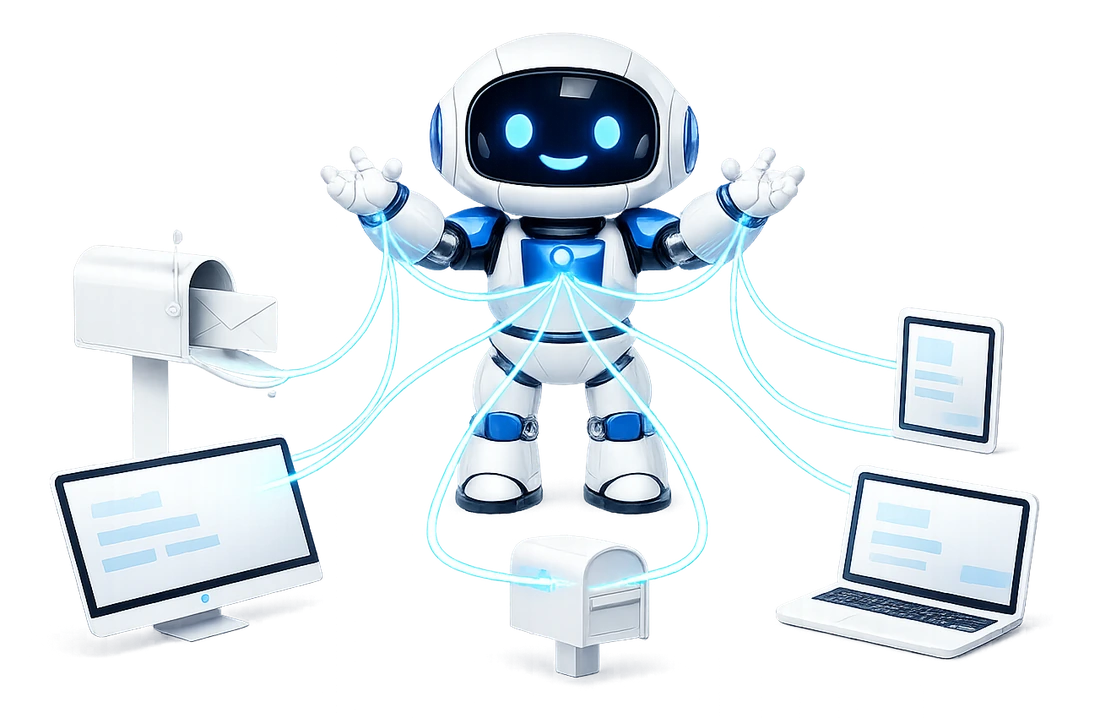
- Yes. Gemini reads Gmail through Google's own Google Workspace connector, which Google describes as able to retrieve, summarise, draft and edit replies.
- For Outlook, Microsoft 365, iCloud, Yahoo or IMAP mail on your own domain, Gemini takes a custom connector: one URL, added under Connectors, then + Custom.
- Through Mailbox MCP, the same mailbox works in Gemini, ChatGPT, Claude and Grok, at the permission level you pick.
- Google sets who can add a custom connector, and in our test a scheduled Gemini task stopped to ask permission, so we don't promise unattended runs in Gemini.
Built in
Can Gemini read my Gmail? Yes, on its own
Yes, and it doesn't need us for that. In Gemini on the web, open Customize, then the Connectors tab, and Google's own catalog offers a Google Workspace connector with a Connect button. Its apps include Gmail, Google Calendar, Docs, Drive, Keep, Sheets and Tasks.
We read that page on , in a Google AI Pro account in the UK. Here is how Gemini describes its Gmail app, word for word:
Retrieve, summarize, draft and edit reply emails in your Gmail account.
Google Gemini, the Gmail app in the Google Workspace connector, read 16 November 2026
That's a clear yes to "can Gemini read my Gmail". It names reading, summarising and drafting replies, and it names one mailbox: "your Gmail account". If Gmail is the only mailbox you want Gemini to see, Google's connector is the one built for it.
The page also showed a banner asking us to turn on Smart features in other Google products before the Google Workspace connection would work, and the connector listed its sign-in as needing consent. Those are Google's settings, and Google's screens say where they are.

The map
The 2 ways Gemini can reach a mailbox
"Can Gemini read my email" has 2 answers, depending on whose connector does the reading. One is Google's, the built-in Gemini email connector for Gmail. The other is a custom connector somebody else built, which is what we build, and it reaches the mailboxes that aren't Gmail.
| Google Workspace connector | Mailbox MCP (custom connector) | |
|---|---|---|
| Which mailboxes | "Your Gmail account" | Gmail, Microsoft 365, Outlook.com, iCloud, Yahoo, Fastmail, any IMAP host |
| What it does, in its maker's words | "Retrieve, summarize, draft and edit reply emails" | 37 email tools, each on the tools page |
| Where you add it | Customize, Connectors, Google Workspace, Connect | Customize, Connectors, + Custom |
| Sends email | Not in its line | At Send and delete; none from Gemini on record yet |
| Moves, flags, marks read | Not in its line | Yes, from Draft and file up |
| Reads what is inside an attachment | Not in its line | PDF, Word, Excel, text and pictures |
| A level you choose | Not in its line | Read only, Draft and file, or Send and delete |
"Not in its line" means exactly that: the one sentence Gemini shows for its Gmail app doesn't mention it. That isn't the same as "no", and we haven't tested Google's connector, so we don't say what it does beyond its own words. Every Mailbox MCP cell is our product's behaviour, measured against a live mailbox.
Gemini sits beside Claude, ChatGPT and Copilot on the free email connectors compared, with each vendor's documentation dated. This guide stays on Gemini, and can Claude read my email and can ChatGPT read my email answer the same question for those 2.
Microsoft
Can I connect Gemini to Outlook?
Yes, with a custom connector. The apps Google lists in its Workspace connector are Google's own: Gmail, Calendar, Docs, Drive, Keep, Sheets and Tasks. Through Mailbox MCP, an Outlook mailbox reaches Gemini the way any other mailbox does. It connects to us, and we're added to Gemini as a custom app.
Which Outlook decides the first half. A work or school mailbox on Microsoft 365 connects with one Microsoft sign-in, and no password is ever typed into our site. A personal outlook.com, Hotmail or Live address needs one switch in Outlook.com's settings first, and connecting Outlook.com and Hotmail shows where it is.
Once it's in, Gemini gets the same tools on an Outlook mailbox as on any other: read, search, reply inside the thread, file into folders and read attachments, up to the level you allowed.
Every other mailbox
Gemini and IMAP: iCloud, Yahoo and your own domain
Any mailbox that speaks IMAP can reach Gemini this way. That covers email on your own domain from a web host, Fastmail, Zoho and GMX. You add it in our control panel once, with the address and password your mail app already uses, and the panel looks up the server settings. Connect any IMAP mailbox has the details.
2 providers want an app password rather than your usual one. iCloud Mail takes an app-specific password from your Apple Account, and the same password opens your iCloud calendar. Yahoo Mail takes a Yahoo app password, made under External connections on its Account Security page.
A Gmail address can come through Mailbox MCP too, with a Gmail app password, if you want it beside your other mailboxes at the same level. If Google says the setting isn't available, here's the usual cause.
Set-up
Connect Gemini to email with a custom connector
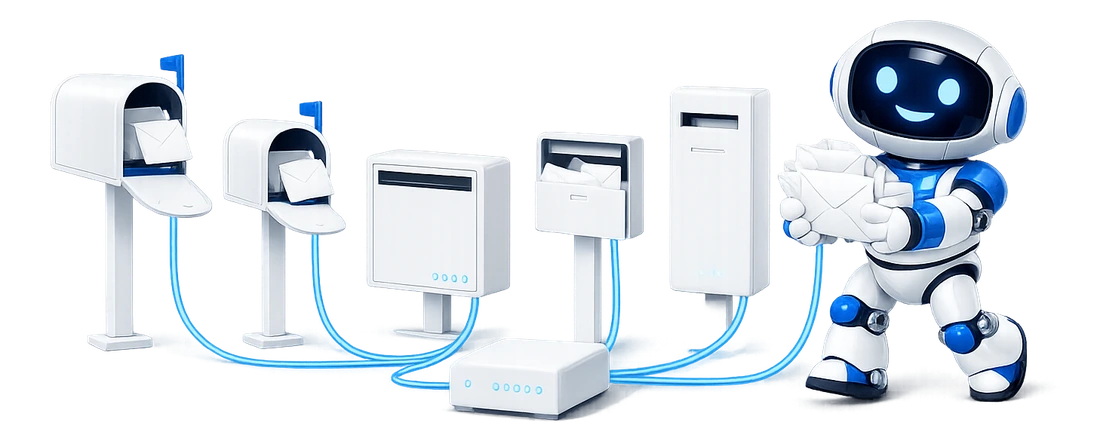
It takes one URL and about 2 minutes. On gemini.google.com, open Customize, then Connectors, and select + Custom. In "Connect to an MCP server", paste the mailbox's own URL from its Connector tab in our control panel, leave the client ID and secret empty, and select Next. Our sign-in opens: pick the level, and the mailbox appears under Custom apps.
The Gemini set-up guide has every screen, walked on . Our sign-in names Google as the app asking, because that's the name Gemini registers with, so you're on the right screen when it says so.
Not every account shows + Custom, and that's Google's call rather than ours. Google's help page, read on 14 November 2026, says that to add a custom app you must:
Be 18 or over and in the US. Sign in to the Gemini app with a personal Google Account. Have Keep Activity on.
Google, Connect & manage custom apps for Gemini Apps
Read that beside what we saw. Our account is in the UK, not the US, and + Custom was there and worked, so the country rule didn't stop us. The other 2 look firm: a work or school account isn't a personal one, and Keep Activity is a setting Google asks you to leave on. If the button is missing, check those first.
Gemini's own note on the form says the same thing from the other side: adding the link lets Gemini send information to an app Google hasn't reviewed. That's why the next screen is ours, asking what Gemini may do.
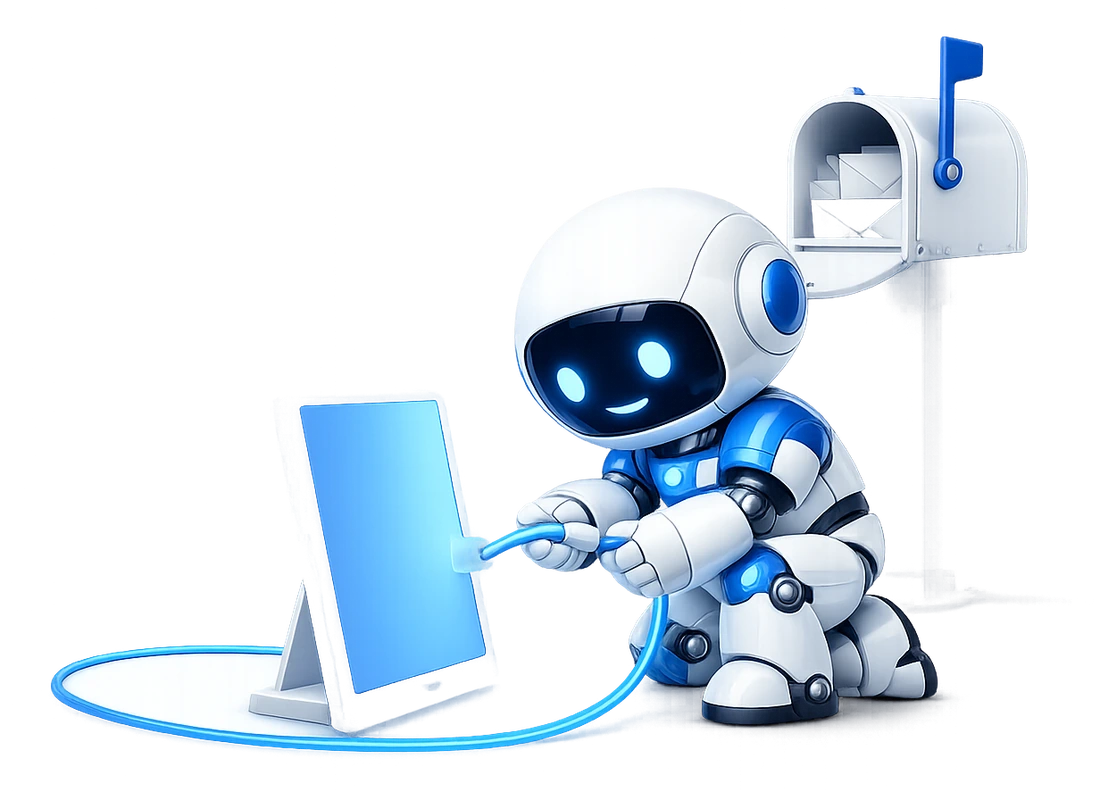
The URL Gemini asks for comes from here: connect the mailbox on the free tier, with no card, then paste it under + Custom.
Sending and files
Can Gemini send email or read attachments?
Through Mailbox MCP, Gemini can send only if you connect it at Send and delete. At Read only or Draft and file there's no sending tool on the connection at all, and our server refuses a call for one before Gemini is asked anything.
Gemini adds a second check of its own. Google's help page, read the same day, puts it in one line:
Currently, Gemini requires manual confirmation for any write actions.
Google, Connect & manage custom apps for Gemini Apps
Note the word "currently". It's Gemini's setting, and Google can change it. A confirmation prompt is also only as good as the moment you read it, which is why the level you chose sits on our server, where Gemini can't change it.
Be clear on what's measured. We've read mail through Gemini since , but we haven't recorded a send from Gemini yet, so this guide doesn't claim one. On the clients where we have, a send files exactly one copy in Sent and a reply lands inside its thread.
Attachments work the same in every client. Gemini can ask for what's inside one and get a PDF back as text, a spreadsheet as rows and a photo as a picture. Sending carries files up to 20 MB a message. Sending and reading email attachments with AI goes through it file type by file type.
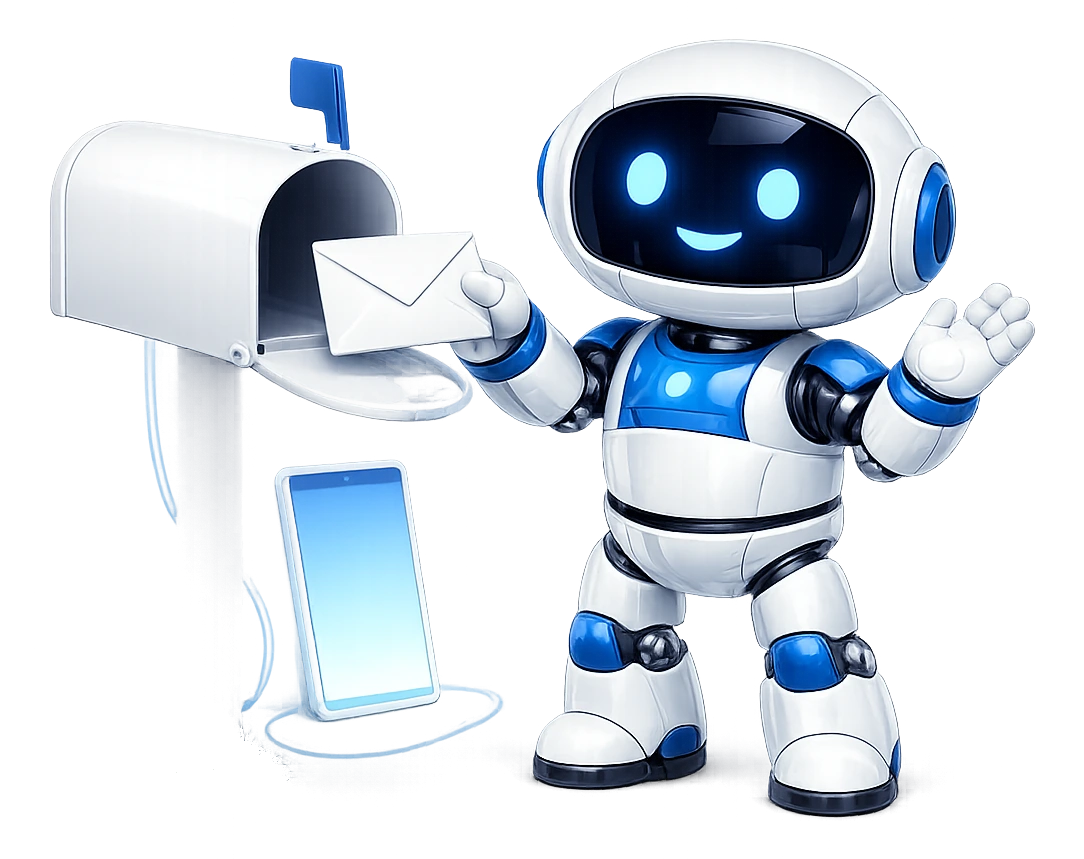
These 6 rows are the mailbox behaviour behind every Mailbox MCP cell in the table above, measured against a live mailbox of 26,930 messages rather than read off an API response. They hold whichever AI is asking.
- Reading a message Does not mark it read
- Moving a message Flags and original date kept
- Deleting a message Moves to Trash, never expunges
- Replies In-Reply-To and References carried
- Copies filed per send 1, no duplicate
- Attachment bytes SHA-256 identical on arrival
Every AI
One mailbox in Gemini, ChatGPT, Claude and Grok
A mailbox you connect here is connected once, and every AI you use reaches the same one. Gemini takes it under + Custom, Claude as a custom connector, ChatGPT from its plugin directory, and Grok as a custom connector too. The 3 permission levels are the same everywhere.
Each connection is signed in on its own and shows on the mailbox's Connector tab under the app's name. Gemini's shows as Google. Raise or lower one, or disconnect it, and the others carry on as they were.
If you haven't settled on an assistant yet, AI Visibility has a comparison of which AI can manage your email, Gemini included. It's our sister site and was written by this site's author, so read it as that.
Before you start
When you need Mailbox MCP in Gemini, and what it doesn't do
You want a custom connector when:
- the mailbox isn't Gmail: Outlook, iCloud, Yahoo or your own domain
- you want Gemini to file, flag and mark as well as read
- you want to choose exactly what it may change
- you want the same mailbox in Gemini and another AI
- you'd rather reading a message left it unread
What Mailbox MCP doesn't do. One connector opens one mailbox, so 3 mailboxes are 3 custom apps in Gemini, each with its own URL and its own level.
It doesn't run Gemini on a timer. In our test, a task made on Gemini's Scheduled page fired on time and then stopped to ask for app permission and Google's own consent, so we don't promise unattended runs in Gemini. Routines run in Claude and ChatGPT today.
And nothing on our server reacts to new mail. Gemini does the work when you ask it to.
If the mailbox you want in Gemini isn't Gmail, 5 calls a day on the free tier are enough to see it answer.
Limits
What this guide cannot tell you
-
Tomorrow's Gemini
Whether Gemini's screens still say what they said on 16 November 2026, or Google's help page what it said on 14 November. Both change without notice, and the dates are here so you can tell how old a claim is.
-
Google's own connector
What Google's Gmail connector does beyond its own description. We quote its line and haven't tested it, so we don't fill its silences with guesses.
-
Your account's eligibility
Whether your Gemini shows + Custom. Google names the US, age, a personal account and Keep Activity. Ours worked from the UK on Google AI Pro; we haven't tried the free plan or a work account.
-
A send from Gemini
We have read mail through Gemini and haven't recorded a send from it yet. The sending behaviour on this page is the product's, measured in other clients.
Can Gemini read my emails?
Yes. Gemini reads Gmail through Google's own Google Workspace connector, which Gemini describes as able to "Retrieve, summarize, draft and edit reply emails in your Gmail account". For any other mailbox, such as Outlook, iCloud, Yahoo or email on your own domain, you add a custom connector such as Mailbox MCP under Customize, Connectors, then + Custom. We've read mail through Gemini that way since 2 November 2026.
Can Gemini read my Gmail?
Yes, on its own. In Gemini on the web, open Customize, then Connectors, and connect Google Workspace, whose apps include Gmail. Gemini describes its Gmail app as able to "Retrieve, summarize, draft and edit reply emails in your Gmail account" (read 16 November 2026). A Gmail address can also come through Mailbox MCP with an app password, if you want it beside other mailboxes at a level you choose.
Can I connect Gemini to Outlook?
Yes, with a custom connector. An Outlook mailbox connects to Mailbox MCP first: a work or school Microsoft 365 mailbox with one Microsoft sign-in, a personal outlook.com or Hotmail address over IMAP after one switch in its settings. Then you add that mailbox's URL to Gemini under Customize, Connectors, + Custom. Gemini can then read, search, reply in the thread, file and read attachments, up to the level you chose.
Can Gemini read an IMAP mailbox on my own domain?
Yes. Any mailbox that speaks IMAP, on a web host, Fastmail, Zoho, GMX, iCloud or Yahoo, connects to Mailbox MCP with the address and password your mail app already uses, or an app password where the provider wants one. The control panel looks up the server settings. You then add the mailbox's connector URL to Gemini as a custom app, the same way as any other mailbox.
Can Gemini send emails for me?
Through Mailbox MCP, only if you connect it at Send and delete, the one level with sending tools, and Google says "Currently, Gemini requires manual confirmation for any write actions". We've read mail through Gemini since 2 November 2026 but haven't recorded a send from it yet. Where we have tested sending, in other AI clients, a send files one copy in Sent and a reply stays in its thread.
Who can add a custom connector to Gemini?
Google's help page says you must "Be 18 or over and in the US", sign in with a personal Google Account and have Keep Activity on, and that custom apps are added on the web in English. Our account is in the UK, on Google AI Pro, and + Custom was there and worked, so the country rule didn't stop us. A work or school account isn't a personal one.
Can Gemini check my email on a schedule?
Not unattended, in our test. A task made on Gemini's Scheduled page fired on time, then stopped to ask for app permission and Google's own consent before it would use the connector, so we don't promise unattended runs in Gemini. Asked in a chat, it works when you ask. Our routines run on a schedule in Claude and ChatGPT.
How do I stop Gemini reading my email?
Take the connection away and the reading stops. For Mailbox MCP, open the custom app's menu in Gemini and choose Disconnect or Delete, and press Disconnect beside Google on the mailbox's Connector tab in our control panel, which ends it at our end whatever Gemini does. To keep the help but stop it changing anything, choose the Read only level there.
Attribution
Sources
- Google Gemini: the Connectors page and its Google Workspace connector The Workspace description, its list of apps and the Gmail line, read in Gemini on the web on 16 November 2026 in a signed-in Google AI Pro account in the UK, read only. The capture on this page is that screen. The page needs a sign-in, so there is no public address to link.
- Google: Connect & manage custom apps for Gemini Apps Who can add a custom app (18 or over, the US, a personal Google Account, Keep Activity), English only, added on the web, and the manual confirmation for write actions. Read 14 November 2026.
- Our Gemini set-up guide The custom connector walked screen by screen on 14 November 2026, the name Gemini registers with, and what we saw connecting Gemini to email since 2 November.
- Our comparison of the free Gmail and Outlook connectors Gemini beside Claude, ChatGPT and Copilot, with every vendor cell sourced and dated.
- Our security page Every claim about this product's own behaviour, verified against the engine source rather than assumed.
Keep going
Read next
Give Gemini the mailbox that isn't Gmail.
Outlook, iCloud, Yahoo or your own domain, at the level you choose. 5 calls a day, no card, and one URL under + Custom in Gemini's Connectors.