Guide
Can an AI answer my emails? Yes, and people will reply.
An AI can answer your emails for you, and most advice about it is about tone. Tone is the easy half. The half that decides whether anyone answers is whether your reply lands inside the conversation it belongs to, and that is a property of the connector, not the model.
- Reading About 7 minutes
- Threading In-Reply-To and References carried
- Sent copy 1, no duplicate
The short version
Draft before you send. Brief it on constraints rather than on tone, and give it 3 of your own past replies to match. Check the first dozen in your own mail client, because the thing worth checking is not the prose, it is whether the reply threaded.
Start here
Draft first, send second
The instinct is to go straight to sending, because that is the version
that saves time. Resist it for about a fortnight. Drafting and sending
are 2 different tools, draft_email and
send_email, so asking for a draft is a genuinely different
action rather than a promise you are trusting a model to keep.
A draft lands in your Drafts folder and you open it in the mail client you already use. That gives you the reply exactly as the recipient would see it, in the software that will actually render it, which is the only review that catches formatting problems and the only one that catches a reply attached to the wrong conversation.
Iterating on a draft, without filling your bin
Reviewing usually means asking for another go, and this is where the
approach normally falls down. Ask for a change and
update_draft rewrites the draft you already have. It does
not save a second one alongside it, and it does not put the version you
rejected in your bin, so a reply you worked through 5 times leaves
exactly one message in Drafts.
Worth knowing what is happening underneath, because it explains the one thing you will notice: IMAP cannot edit a message in place, so the new version is saved and the old one removed. That is what your own mail client does when you edit a draft, and it is why the draft's identifier changes each time. Anything attached stays attached, and a draft that was a reply stays inside its conversation.
When to graduate to sending
Per category, not all at once. When you have read a dozen drafts of one kind, meeting confirmations say, and stopped changing anything in them, that category is ready. Everything else stays on drafts. It is a slower answer than "turn it on" and it is the one that leaves you with a system you trust rather than one you keep checking.
Sending the draft you approved
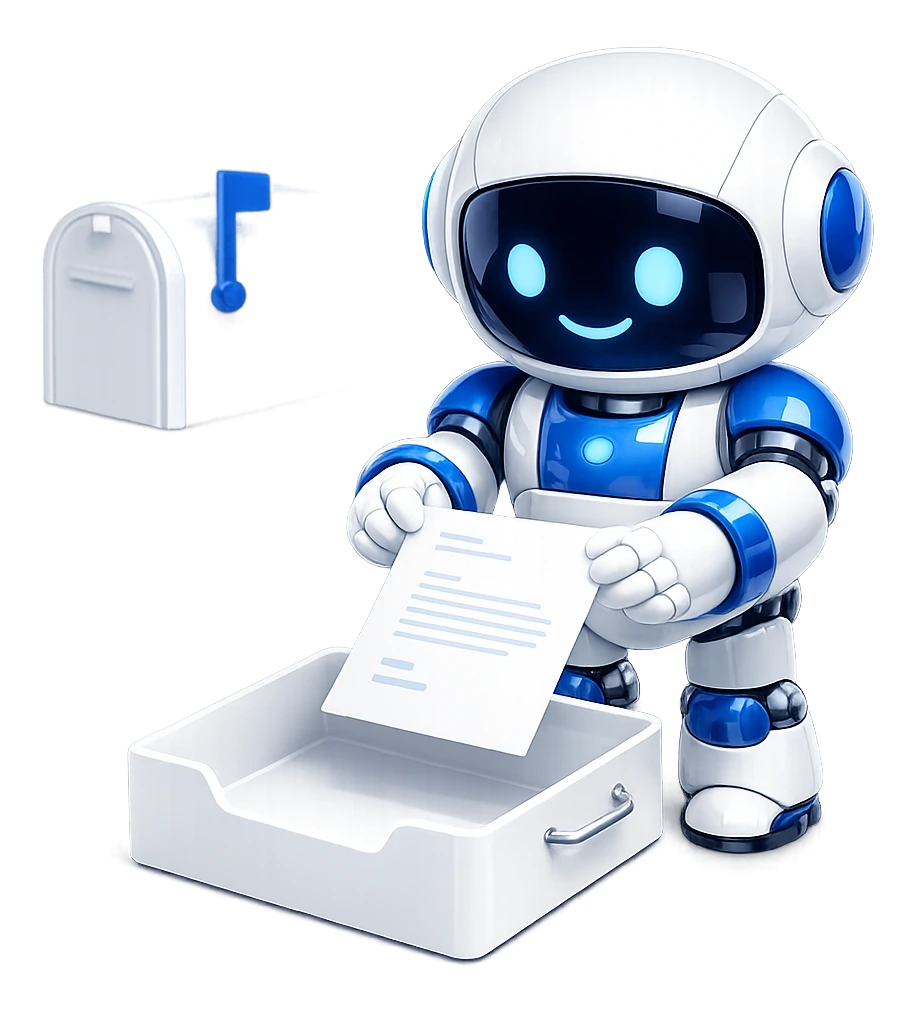
When you've read a draft and it's right, you don't need the AI to write it again. Ask it to send that draft, and it goes exactly as it stands in Drafts, as pressing Send in Outlook would. One copy is filed in Sent and the draft leaves Drafts. Edit it as often as you like first: it goes as it is at the moment it's sent.
Measured
Why threading matters more than the words
A reply is not just a message addressed to the same person. Mail clients
assemble conversations from 2 headers, In-Reply-To and
References, and a message without them arrives as a brand
new thread sitting next to the one it belongs to.
The reader sees a message that has forgotten the conversation. If they are on a phone, they see it out of context and with no way to get the context back. It is the single most common failure in tools that write mail, it has nothing whatever to do with the quality of the prose, and it is invisible from the sending side: your copy in Sent Items looks perfect.
Ours carries both headers, and that was verified by sending real replies and opening them in Outlook rather than by reading an API response. Whatever tool you end up using, this is the thing to test on day one.
How to check it yourself in 2 minutes
Ask for a reply to a message in a thread that already has 3 or four messages in it. Send it to yourself. Open your mail client and look at whether it joined the existing conversation or started a new one. That is the whole test, and it works on any tool, not only this one.
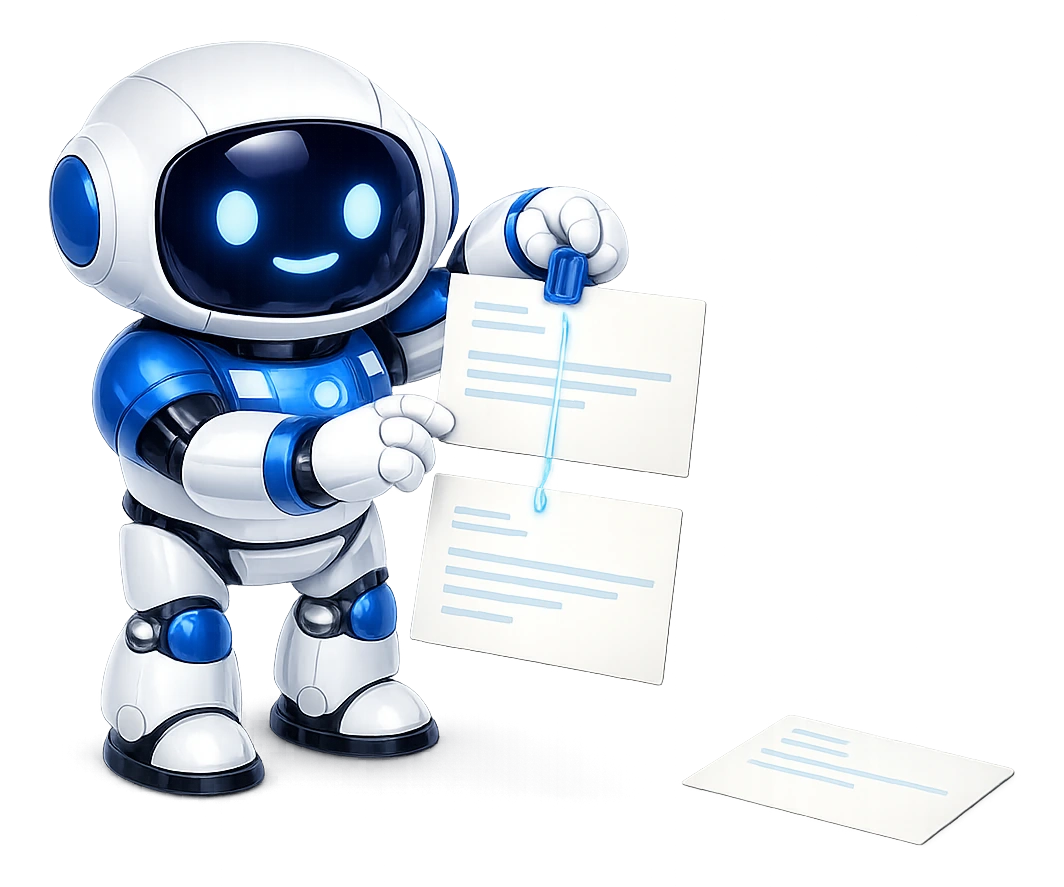
Drafts land in your Drafts folder, so the first dozen cost you nothing but a look in your own mail client.
Worked example
What to put in the brief
Constraints, not adjectives. "Friendly and professional" is the phrase that produces the voice everybody now recognises as machine-written. It describes a register rather than a shape, and the safest register is the blandest one.
A brief that works
Reply to this. Two or three sentences. No greeting, no sign-off, I add those. Answer the question directly in the first sentence. If I need to do something, say what and by when. If you are not certain of a fact, leave a gap marked TBC rather than guessing it. Save it as a draft.
Every line there is a constraint you can check afterwards, which is what makes it a brief rather than a wish. The last 2 are the ones that earn their place: a machine filling a gap with a plausible date is the failure that costs you a client, and a gap marked TBC is one you will see.
Give it your own writing
3 of your past replies in the same category will do more for the voice than any description of it. It is also the honest way round: you are not teaching it to sound human, you are teaching it to sound like you, and those are different targets.
Do not brief it to sound human
Asking for warmth produces exclamation marks, asking for enthusiasm produces "I'd be delighted to", and asking it to write "like a human" produces the most machine-sounding output of all. Ask for what the reply must contain and how long it may be, and the voice takes care of itself.
Good candidates
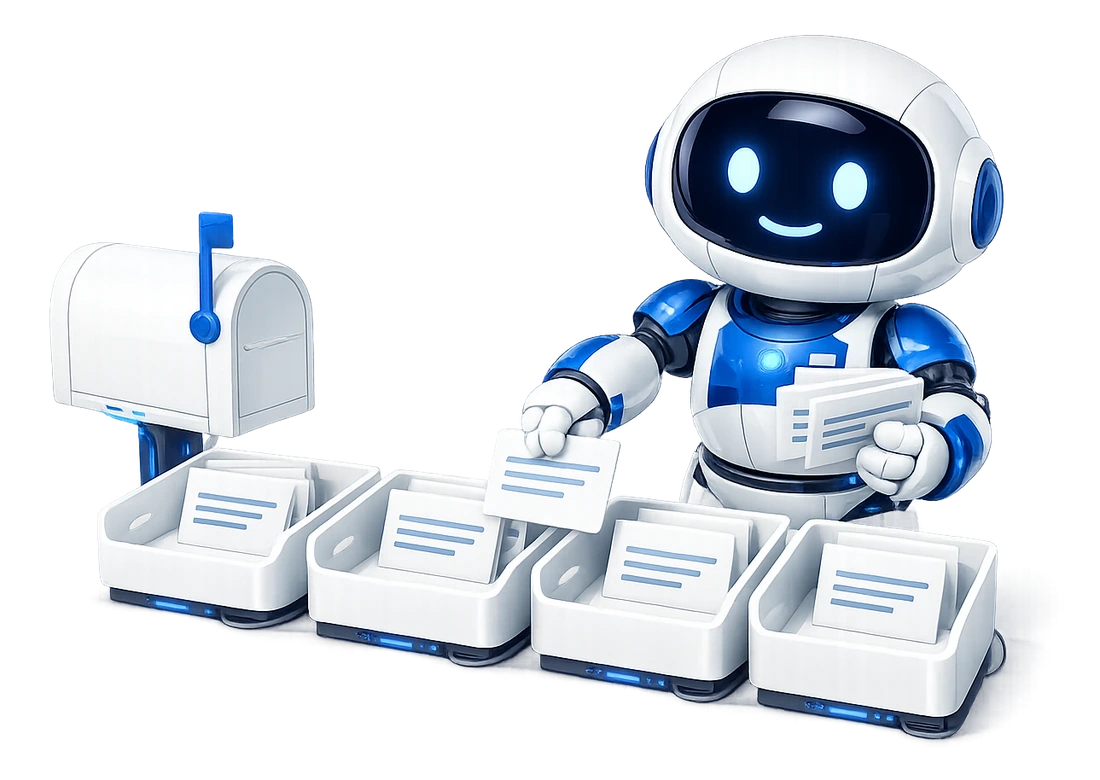
The 4 replies worth handing over
Ordered by how little you will end up editing them.
1. Acknowledgements
"Got it, I will look at this on Thursday." No judgement, no facts to get wrong, and the cost of one being slightly off is nil. This is the category to start with and the one that stays useful longest.
2. Scheduling
Confirming, moving or declining a time. The constraints are hard and checkable, which is exactly the shape a machine handles well. Give it the times you are actually free rather than expecting it to know.
3. Answers that live in an earlier message
Somebody asks for the reference you sent them in March. The answer exists in the mailbox, it just needs finding, which is the thing this is genuinely best at. The reply is then a quotation rather than a composition.
4. Polite declines
The ones that sit in your inbox for 4 days because writing them is unpleasant. A draft you edit down is far easier than a blank reply window, and this is where the time actually goes.
Quality control
The tells that give it away
People are much better at spotting machine-written mail than they were 2 years ago, and a reply that reads as generated is worse than a slow reply. The recurring tells, in the order they turn up:
- Restating the question before answering it.
"Thanks for reaching out about the invoice. Regarding the invoice..." A person answers.
- 3-item lists where 2 would do.
The rhythm is unmistakable once you notice it.
- Enthusiasm nobody asked for.
"Happy to help!" on a message about a missing delivery.
- An em dash.
Almost nobody types one in an email. It's the single fastest tell in ordinary correspondence.
- Length that doesn't match the question.
A one-line question answered in 4 paragraphs reads as automated, even when every word is right.
All 5 are fixable in the brief. "No preamble, answer first" removes the first; a word limit removes the last 2; and asking for plain punctuation removes the dash.
The threading test takes 2 minutes: reply to a real thread, then open it in Outlook and see where it landed.
Limits
What to never hand over
-
Unchecked numbers
Anything with a number in it that you have not checked. Prices, dates, quantities, deadlines. A confident wrong figure in an email is a commitment.
-
Bad news and apologies
Bad news, complaints and apologies. The recipient will find out it was automated, and they will find out at the worst possible moment.
-
Legal and contractual
Anything legal, contractual or to do with employment.
-
First contact
First contact with anyone. A relationship that starts with a generated message starts on a false footing.
-
Unopened attachments
Attachments you have not opened. It will attach what you tell it to, so ask it what the file says first, which it can. 20 MB per message in total is the ceiling, across every file rather than per file.
Can an AI reply to my emails for me?
Yes, and the useful question is whether it sends them or drafts them. Drafting and sending are separate tools, so "write it but do not send" is a different call rather than a promise being kept. Start with drafts, read a dozen, and move to sending only for the categories where you stopped changing anything.
Will the reply thread properly in Outlook and Gmail?
Yes. Replies carry In-Reply-To and References, which are the headers mail clients use to build a conversation, and it was verified in Outlook rather than assumed from the API response. Without them a reply arrives as a new message beside the thread it belongs to, which is the single most common failure in tools that write mail.
How do I stop it sounding like a robot?
By briefing it on constraints rather than on tone. "Two sentences, no greeting, answer the question and stop" produces something that sounds like a person; "be friendly and professional" produces the LinkedIn voice everybody recognises. Give it 3 of your own past replies and it will match them better than any adjective.
Will the reply quote the original message?
Yes, below the reply, in the ordinary way. That is the convention every mail client expects and it is what makes a thread readable to somebody who was not copied on the earlier messages.
Does a sent reply appear in my Sent Items?
Once. That was measured rather than assumed: the Sent Items delta per engine send is exactly one message, with the Message-ID matched. 2 copies is a common failure when a tool sends over SMTP and then also files a copy itself, and it is worth checking on any tool you try.
Can it reply from an alias rather than my main address?
It sends from the connected address. One connection is one mailbox, so if the alias is a separate mailbox it is a separate connection, and if it is an alias on the same mailbox your provider decides what appears in the From line.
Attribution
Sources
- RFC 5322: Internet Message Format, identification fields Defines In-Reply-To and References, the 2 headers a mail client uses to assemble a conversation.
- Microsoft Graph: sendMail The send path for Microsoft 365 mailboxes, which is why Authenticated SMTP is not required.
- What the engine leaves untouched, measured The threading and sent-copy figures quoted above, with how each was taken.
Keep going
Read next
Test the threading yourself.
Connect a mailbox, reply to a thread, and look at it in Outlook. That is the check worth running on any tool, and the free tier covers it.